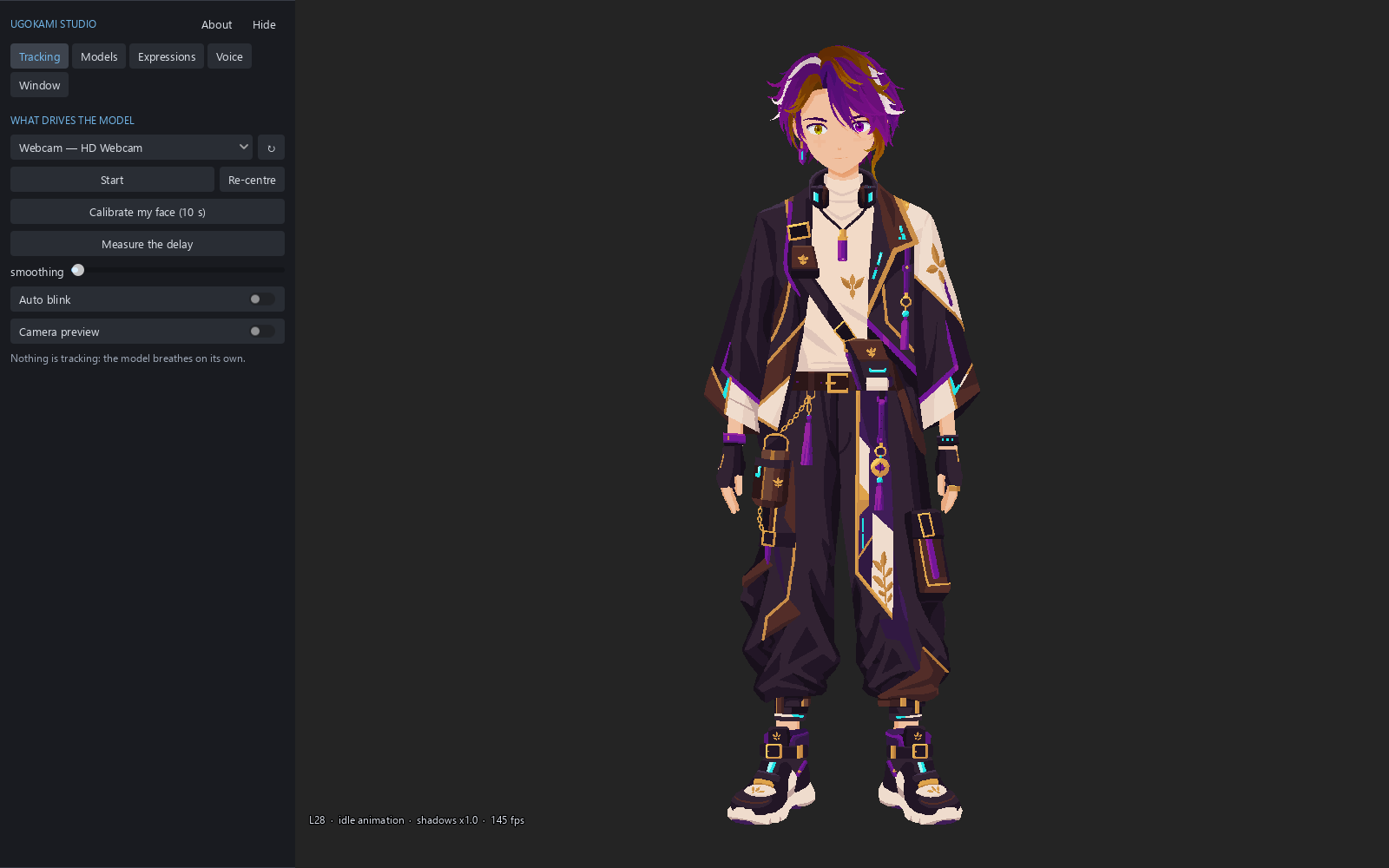
Ugokami Rig — the workshop
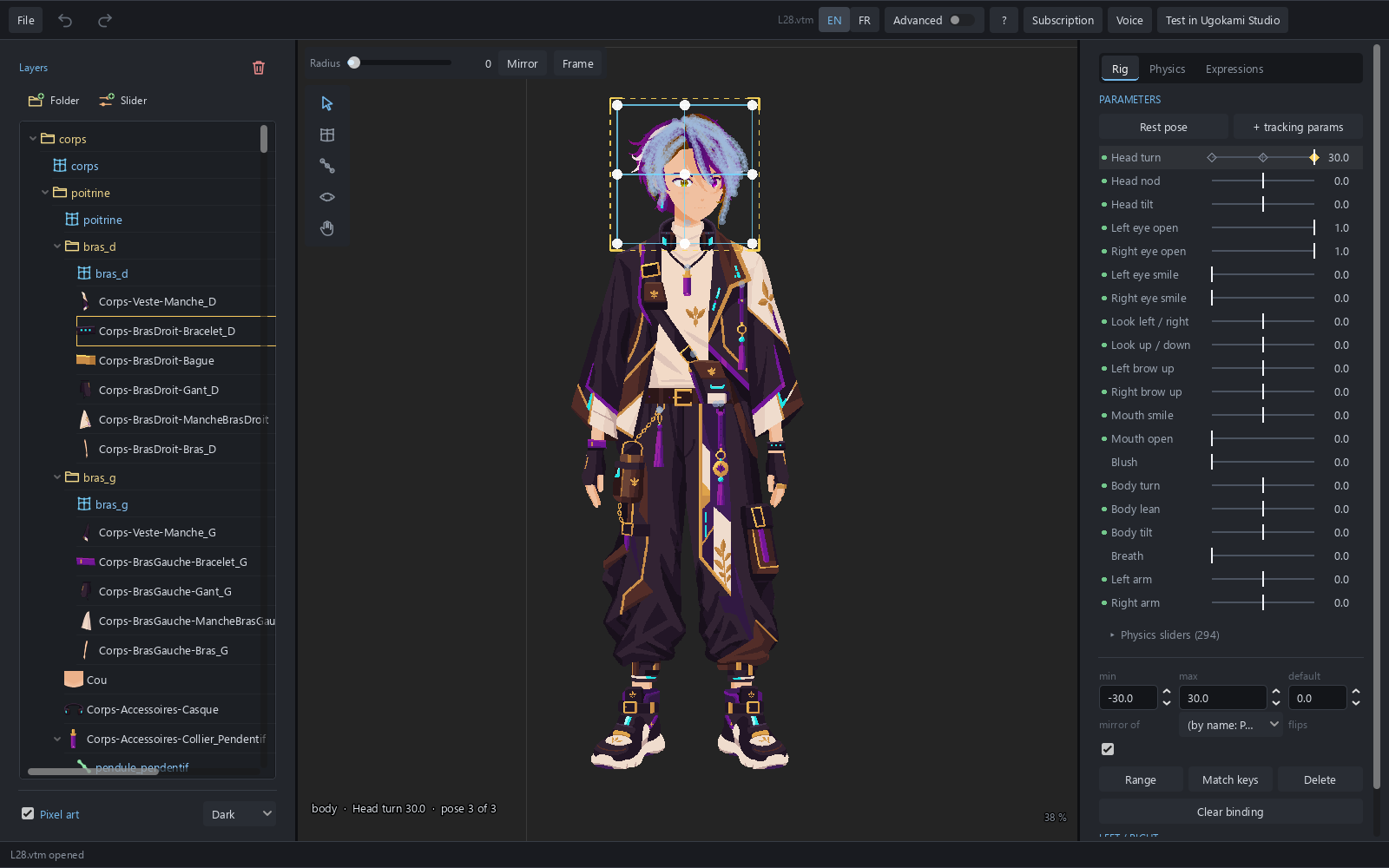
Free to import, mesh, rig and save. Exporting a .vtpack needs the subscription.
Free to import, mesh, rig and save. Exporting a .vtpack needs the subscription.
Drives your .vtpack files with the webcam and the mic, straight into OBS. Free, no key, no subscription.
Optional: a microphone, and the obs-spout2 plugin for OBS with transparency.
If a problem arises, you agree to help us, reasonably, check whether it comes from your configuration (French Consumer Code, art. L224-25-16).
%LOCALAPPDATA%\Programs\UgokamiRig (or \UgokamiStudio).In the file's folder, open the Command Prompt and type:
certutil -hashfile UgokamiRig-Setup-[VERSION].exe SHA256The result must match the fingerprint published above. If not, do not run the file and write to contact@ugokami.com.
The installers are not signed yet. Check the SHA-256 fingerprint, then More info → Run anyway.
Ugokami does not look for new versions on its own: they are published here, security advisories on the Security page. Security fixes are free for both programs, with or without a subscription, until [FIN DU SUPPORT].
Everything is in %APPDATA%\Ugokami, except the activation confirmation file, in Documents\Ugokami. Uninstalling leaves them in place. Before deleting them, use "Forget this key" in Ugokami Rig, connected to the internet, to give your key's seat back.